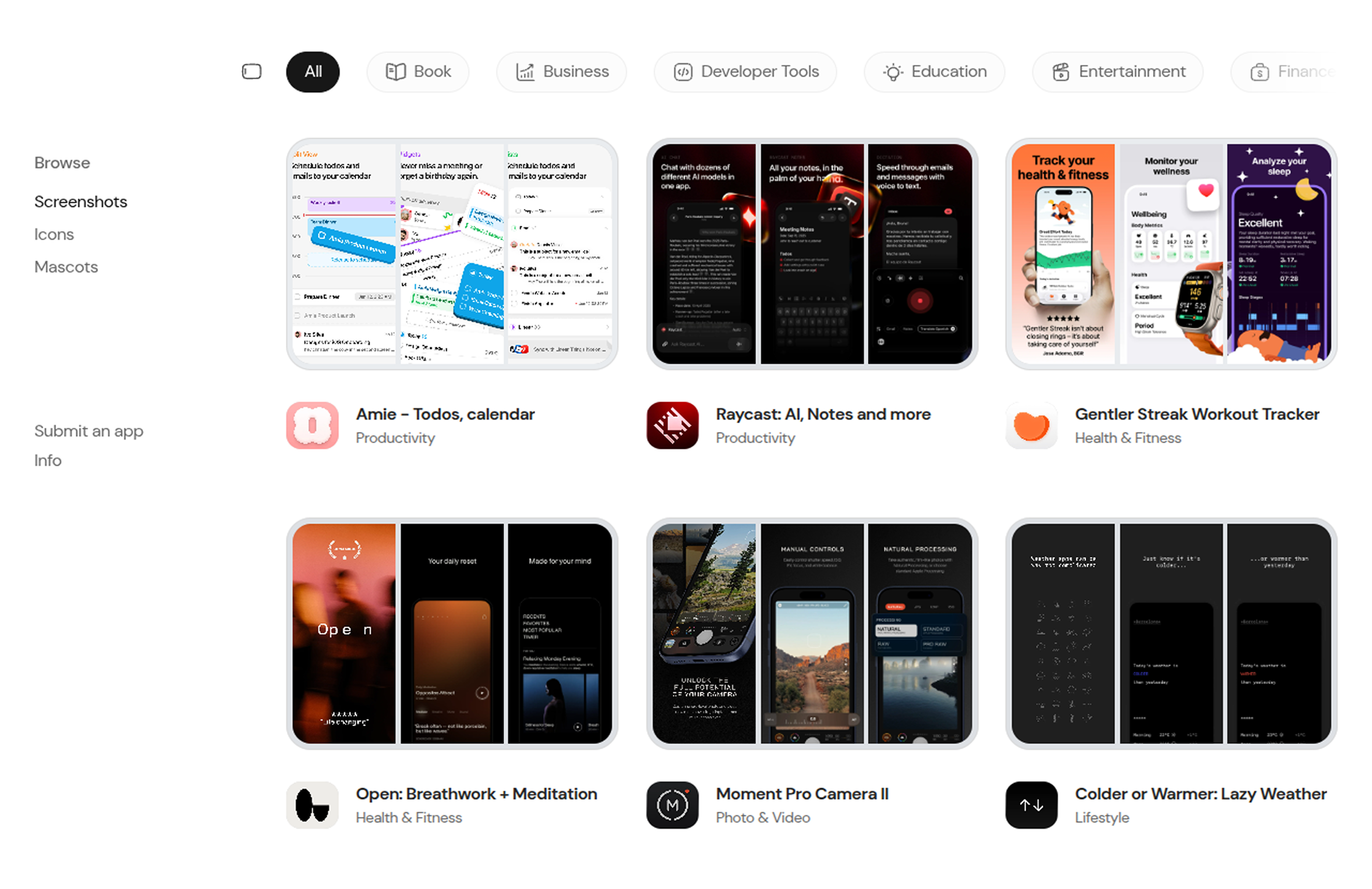
Screeny is a hand-picked gallery of App Store screenshots from well-designed iOS apps, for people designing their own App Store listing. You can browse, search, bookmark, and copy screenshots straight into Figma or download them. A weekly automation keeps every app’s screenshots up to date.
What I did
- Created a pipeline that pulls apps from Apple’s public lookup API, converts icons and screenshots to WebP with sharp, and stores them on Cloudflare R2.
- Designed the Postgres database with Prisma for apps, screenshots, bookmarks and submissions.
- Set up a weekly GitHub Action that re-checks every app and re-imports only the ones with a new version, with retries and failure handling.
- Added an “Add apps” GitHub Action button, so I can import new apps by pasting App Store links without opening my laptop.
- Added passwordless login with Clerk using email code, Google and X, and wrote a custom OAuth transfer step so new Google and X users get accounts in production.
- Added cross-device bookmarks with optimistic updates, and made every server route read the user from the verified session, so nobody can see another person’s bookmarks.
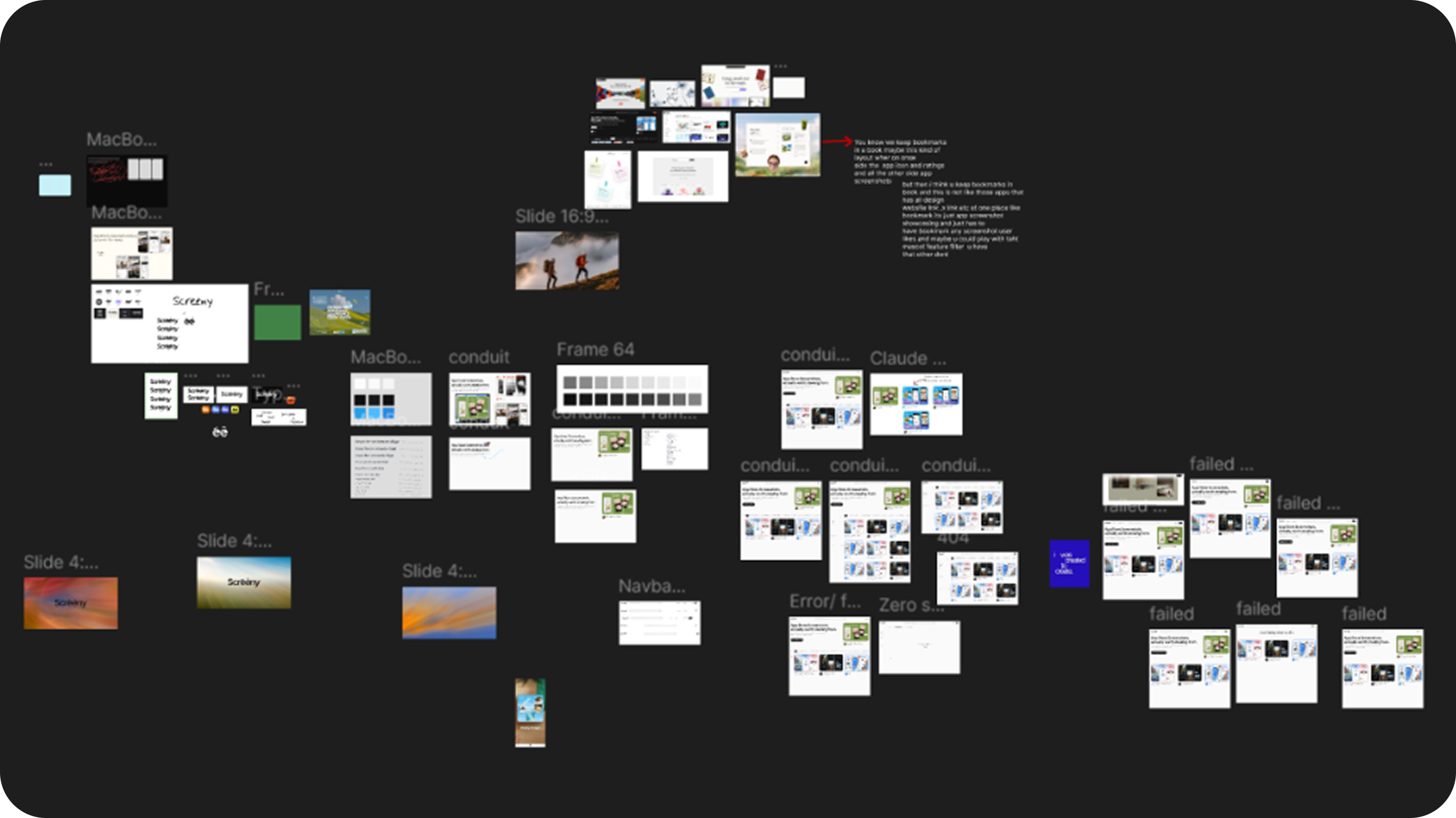
- Turned the Figma file into design tokens, and added animations such as a sliding sidebar dot, FLIP-based sidebar collapse and spring-based peek images.
- Made it accessible: keyboard navigation, AA contrast, focus rings, alt text on screenshots, and reduced-motion support.